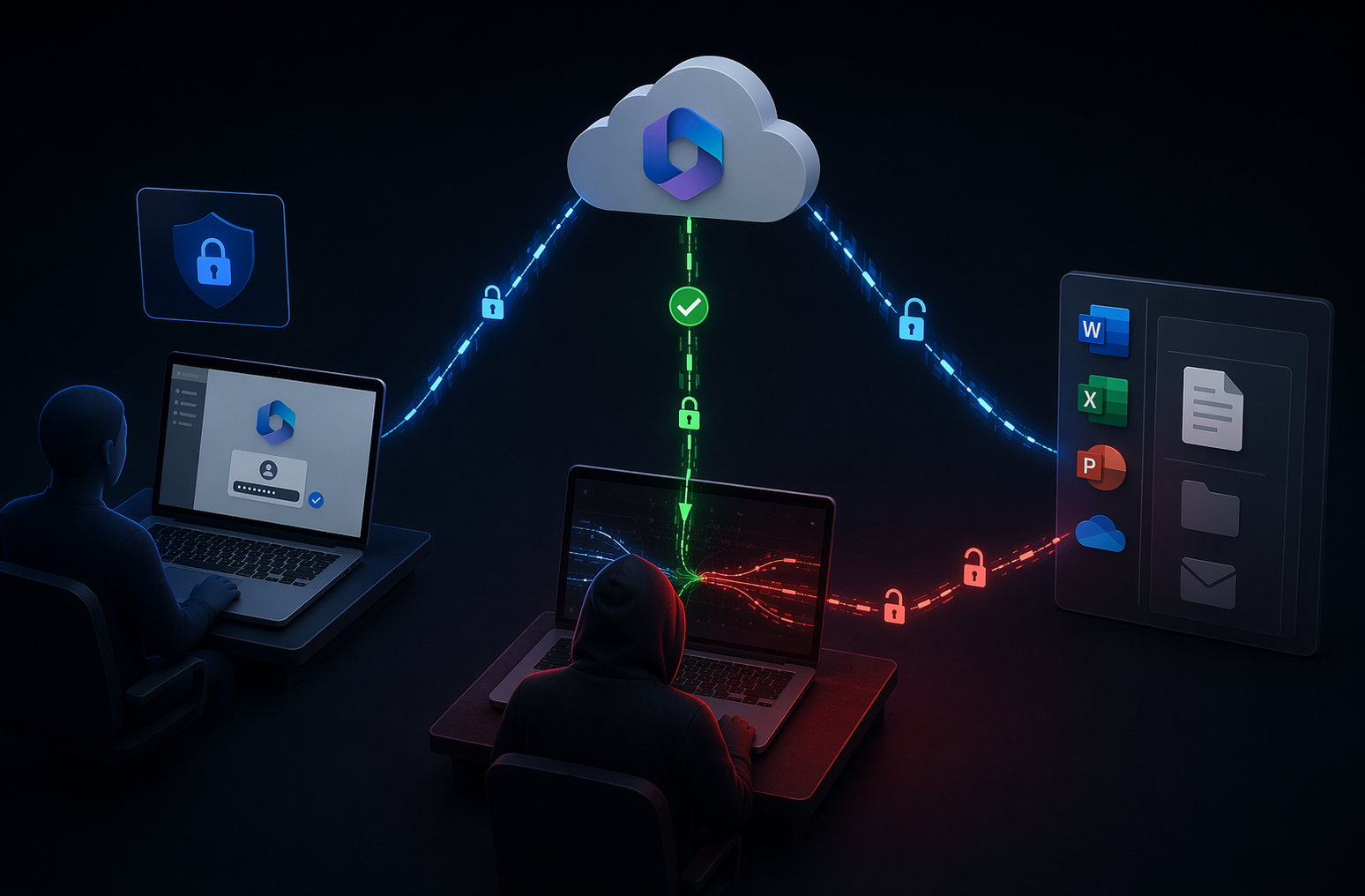
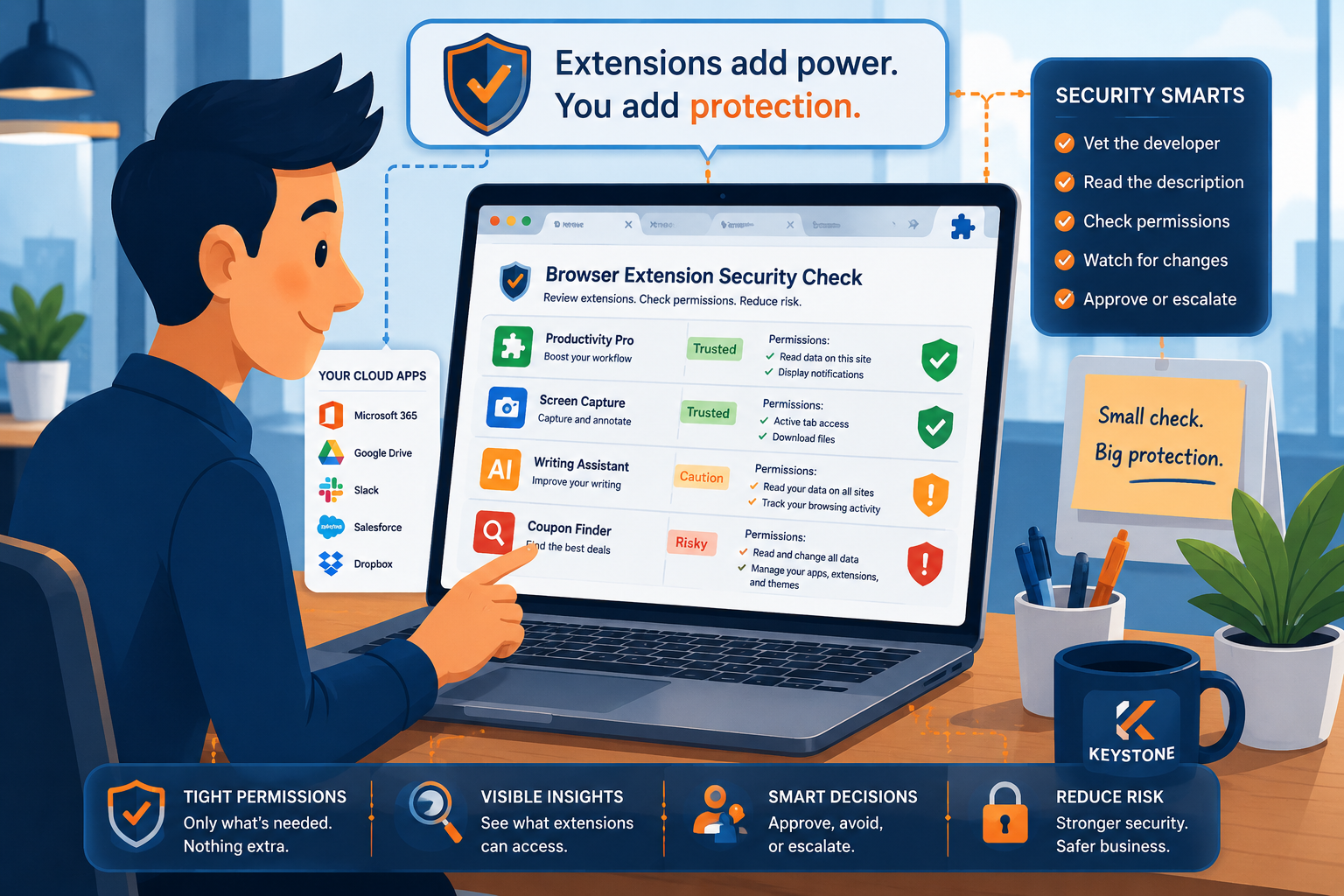
Artificial intelligence isn’t out to take your job or plot world domination (no matter what the movies say). It’s just a tool, an incredibly powerful one at that, that’s reshaping how businesses of all sizes operate. The question isn’t if small organizations will use AI. It’s how they’ll use it safely.
Across Tennessee, we’re seeing AI adoption skyrocket in our local governments, nonprofits, and small businesses. Whether organizations are automating everyday tasks or analyzing their data faster than ever, AI is transforming the workplace for many in real, tangible ways. And everyone knows… with great power comes great responsibility.
Our goal is to have you not fear AI and use it wisely.
The Rise of Everyday AI
AI is no longer reserved for tech giants or billion-dollar enterprises. Today, every small business can take advantage of it thanks to cloud-based platforms like Microsoft 365’s Copilot and affordable machine learning tools that integrate directly into your daily workflow.
Think about it: if you use Microsoft Teams, Outlook, Excel, or Word, you’re already halfway there. The AI tools built into these systems can schedule your meetings, summarize long emails, draft reports, predict sales trends, and even spot suspicious login attempts before they turn into a full on breach.
Here are just a few ways we’re seeing our clients put AI to work:
- Automating repetitive tasks (like scheduling, invoicing, and reporting)
- Generating and summarizing documents or emails
- Improving customer service with chatbots and auto-responses
- Spotting phishing attempts
- Analyzing business data for faster, smarter decision-making
AI isn’t about replacing people. It’s about helping people work smarter and focus on what they do best—serving clients, leading teams, and running their business.
Still, there’s a catch. The more data you feed these systems, the more cautious you need to be about where that information goes.
The Double-Edged Sword: Productivity vs. Privacy
Every time you integrate a new AI tool, you’re expanding your organization’s “attack surface.” That means more opportunities for cybercriminals, data leaks, or compliance violations if the system isn’t being properly managed.
Here are the big three risks we see most often:
1. Data Leakage
AI systems learn and train themselves from data. Sometimes, that means they learn and train from your data. If your team uses unapproved AI tools to generate content, analyze reports, or summarize documents, that information could be stored or used to train external systems. In other words, your sensitive data might not stay as private as you think. Just like you wouldn’t want employees sending important files through their personal Gmail, you also don’t want them creating company reports or data summaries in their personal ChatGPT accounts.
2. Shadow AI
Have you ever had an employee test out a new AI tool without looping in your IT team first? That’s what we call shadow AI. It might seem harmless at first, but those unapproved apps can create compliance gaps or even leak confidential data. We see this often. Employees genuinely want to be more efficient, especially when they feel their company is a little behind the AI curve. They mean well, but taking matters into their own hands can unintentionally open the door to security risks.
3. Overreliance and Automation Bias
AI can do amazing things, but it doesn’t think. It predicts. And sometimes, it predicts wrong. Over-trusting AI output without human verification can lead to costly mistakes or poor decision-making. AI should only inform decisions, not make them for you.
Setting Guardrails for Smart AI Use
AI isn’t a risk to be avoided. It’s a tool to be managed. A few thoughtful steps can help your business harness the benefits of AI while minimizing the risks.
1. Create an AI Usage Policy
Before introducing AI company-wide, set clear rules of engagement. Outline what’s allowed and what isn’t. Define which platforms are approved, what kinds of data can be processed, and what should stay strictly offline.
Your policy should include:
- Approved AI tools and vendors
- Acceptable use cases
- Data privacy expectations
- Retention and deletion rules
Then, talk about it. Make sure everyone understands not just the policy itself but why it matters. AI governance isn’t a box to check; it’s part of a healthy security culture.
2. Choose Enterprise-Grade AI Tools
Stick with trusted platforms that take data protection seriously. For instance, Microsoft 365 Copilot offers compliance with HIPAA, GDPR, and SOC 2 standards, along with encryption and data residency controls. It also works securely inside your Microsoft environment, not out on the open internet, so you can safely use AI to review client files, create reports, or work with internal data that should never leave your organization’s walls.
Look for tools that:
- Offer transparency in how data is handled
- Don’t use customer information to train their models
- Encrypt data both in transit and at rest
3. Segment Sensitive Data Access
Not every employee or system needs access to everything. Use role-based access controls (RBAC) to ensure that AI tools only interact with the data they truly need. It’s one of the simplest, most effective ways to prevent accidental exposure.
4. Monitor AI Usage
Visibility is key. Keep track of which tools are being used, by whom, and for what purpose. Monitoring helps you identify suspicious or risky behavior before it turns into a problem. It’s the difference between being proactive and being reactive.
When AI Fights Back: Using AI for Cybersecurity
Here’s the fun twist: AI isn’t just a risk; it’s also one of your best defenses. The same technology that powers Copilot can also detect cyber threats faster than any human.
Security platforms like Microsoft Defender for Endpoint and Sentinel One use AI to:
- Detect and block phishing attempts
- Identify malware and ransomware before they spread
- Analyze unusual behavior across your network
- Automate responses to common security incidents
That’s the beauty of modern cybersecurity. AI doesn’t sleep, it doesn’t blink, and it can sift through millions of data points to catch the threats your team might miss.
People Still Matter Most
At the end of the day, technology can only go so far. The human factor still matters most. A single click on the wrong link or upload to the wrong AI tool can undo months of good security practices.
That’s why employee education is essential. Everyone should know:
- What data is too sensitive to share with AI tools
- How to spot AI-generated phishing emails
- Why verifying AI-generated information is always a must
Cybersecurity awareness isn’t a one-time training. It’s an ongoing conversation that builds a smarter, safer workplace.
The Bottom Line: AI With Guardrails
AI isn’t something to fear, it’s something to steer. Used wisely, it can free up your time, improve decision-making, and keep your organization competitive in an increasingly digital world. Because AI shouldn’t replace people. It should empower them.
At Keystone, we don’t just manage IT—we execute. We ensure smooth transitions, rock-solid security, and maximum efficiency so your business can thrive. Let us handle the complexity of IT while you stay focused on what matters most—growing your business.
Contact us today to schedule a consultation and see how Keystone delivers results you can trust.