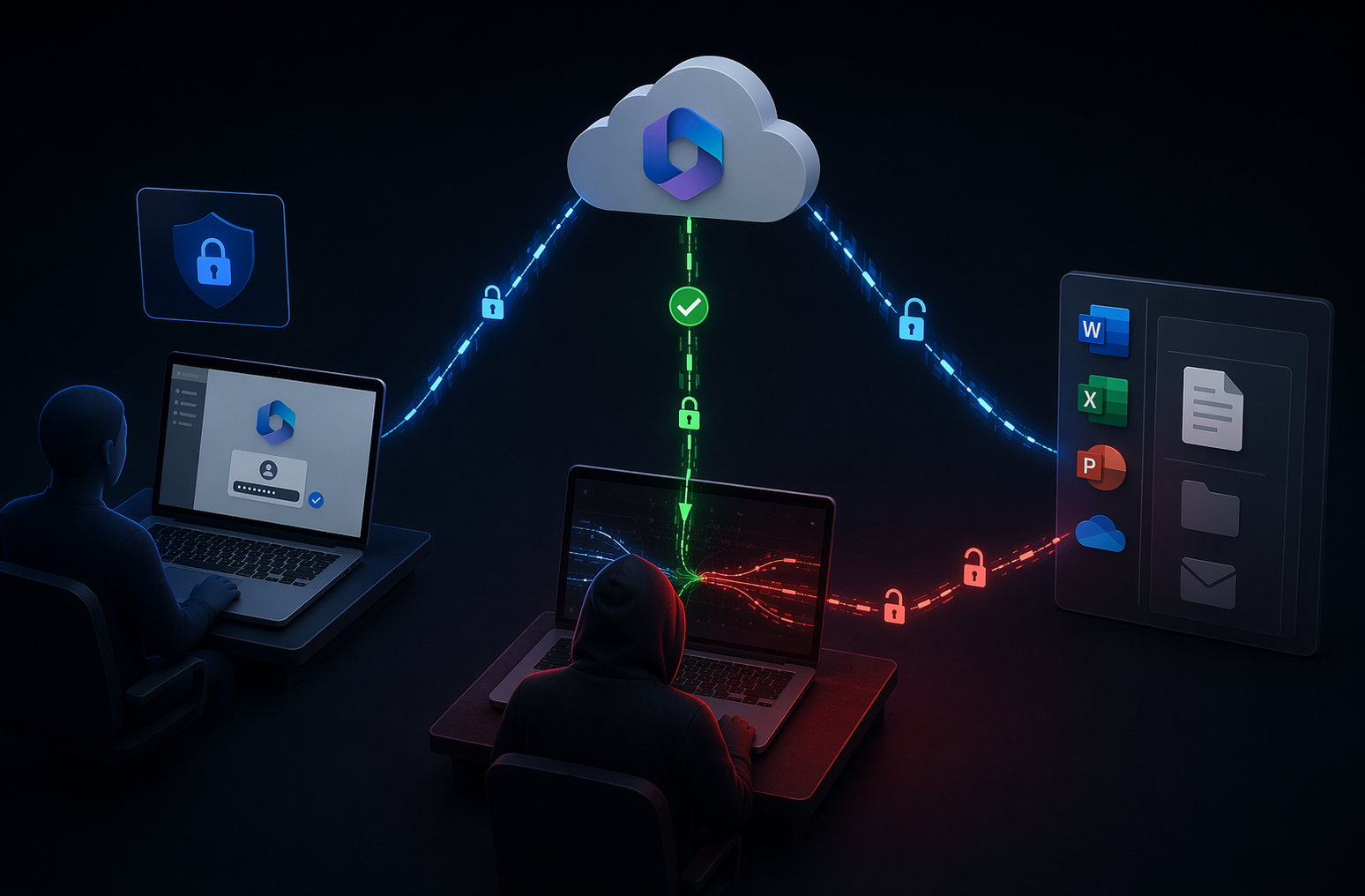
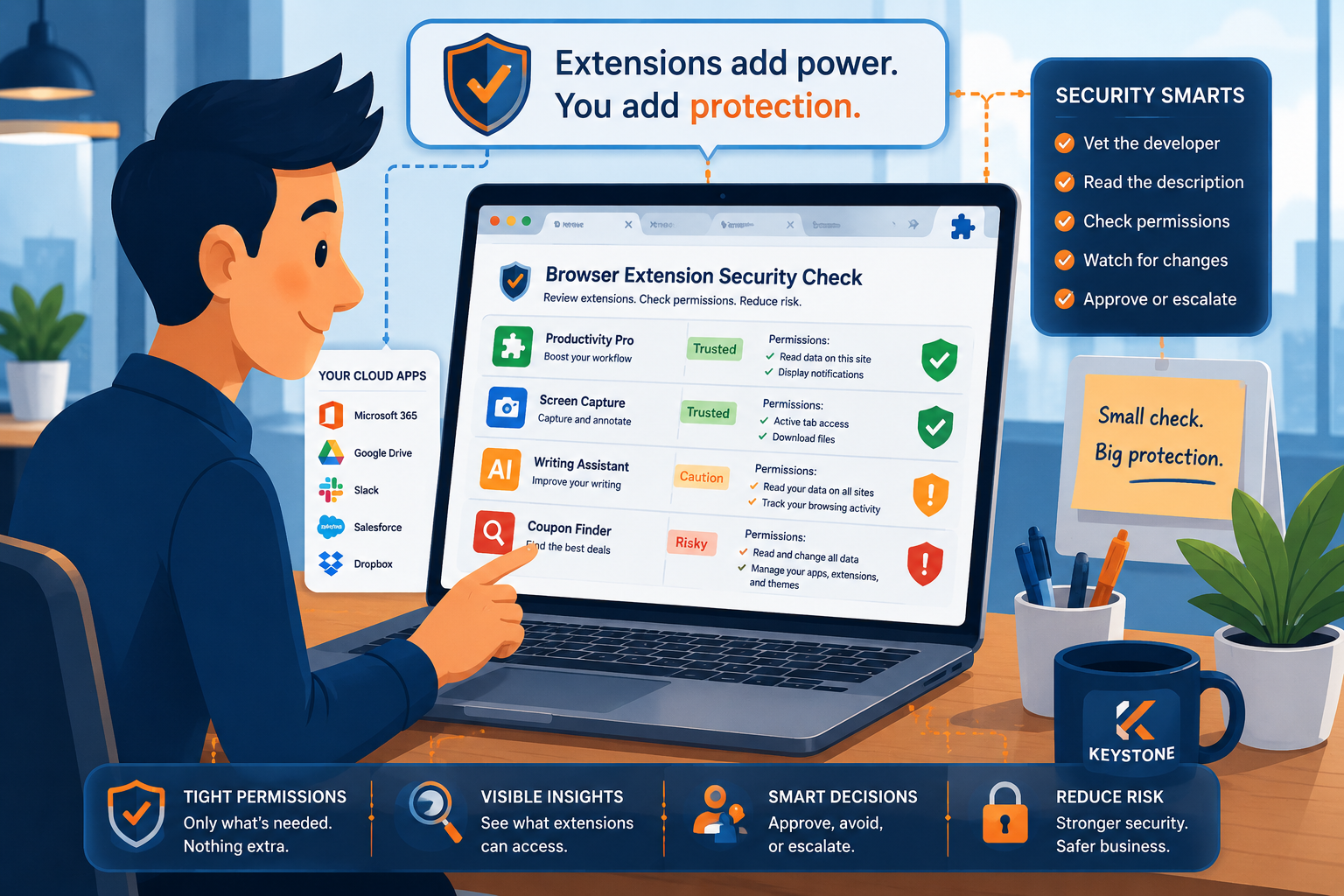
Most people expect cyberattacks to look suspicious. They picture fake invoices, strange emails, or obvious malware warnings. That is not how LinkedIn recruitment scams usually work. These scams are successful because they look normal. The messages sound professional. The recruiter profile appears polished. The job opportunity feels believable. Sometimes the scam even references real companies, real executives, or real job titles.
That is what makes these attacks dangerous for businesses. A fake recruiter message can turn into credential theft, identity fraud, malware infections, or unauthorized access to company systems. In many cases, the scam starts with one simple action: clicking a link, opening a file, or moving the conversation to another platform. Businesses do not need to create fear around LinkedIn or hiring platforms, but they do need to help employees recognize how modern social engineering attacks work and what practical steps reduce risk.
Why LinkedIn Recruitment Scams Work So Well
LinkedIn recruitment scams blend into everyday professional behavior. People are used to networking online. Recruiters contact employees all the time, especially in technology, finance, healthcare, manufacturing, and leadership roles. Because of that, the first message often does not feel suspicious. Attackers take advantage of that trust.
Many scam profiles look convincing at first glance. They may include:
- Professional headshots
- Real company logos
- Job descriptions copied from legitimate listings
- Large networks of connections
- Polished writing and hiring language
Some scammers even build fake profiles over time to appear more credible. According to Linkedin Newsroom, LinkedIn removed millions of fake accounts in recent reporting periods. Even with automated detection systems, fake recruiter activity continues to reach real employees and job seekers. The goal is usually not the initial message itself. The goal is to create trust long enough to push the target toward the next step.
How LinkedIn Recruitment Scams Typically Work
Most recruitment scams follow a similar pattern. Understanding the process makes it easier to recognize warning signs early.
The Professional Introduction
The scam usually starts with a direct message or connection request. The recruiter may claim to represent:
- A well-known company
- A remote opportunity
- A high-paying contract role
- An executive search firm
- A fast-growing startup
The message is often short, professional, and low pressure. That is intentional. Attackers know overly aggressive messages raise suspicion. Instead, they focus on sounding legitimate enough to continue the conversation.
Moving the Conversation Off LinkedIn
Once the target responds, the scammer often tries to move communication away from LinkedIn. They may ask the employee to:
- Continue on WhatsApp or Telegram
- Reply through personal email
- Join a private recruitment portal
- Download an “interview package”
- Open a scheduling link
This shift matters because it removes many of the built-in protections and visibility that exist on LinkedIn itself. It also gives attackers more opportunities to send malicious files, fake login pages, or fraudulent instructions.
The Fake Assessment or Verification Step
One of the most common tactics is the fake assessment or onboarding request. The scammer may say things like:
- “Please complete this interview assessment.”
- “Download this onboarding packet.”
- “Verify your account to continue.”
- “Review this confidential job description.”
The file or link may contain:
- Malware
- Credential harvesting pages
- Fake Microsoft 365 logins
- Remote access tools
- Identity theft forms
In some cases, the goal is not malware at all. The attacker simply wants sensitive information like Social Security numbers, banking details, or login credentials.
Pressure and Urgency
Like many phishing scams, recruitment fraud relies on momentum. Attackers try to create pressure by saying:
- “We need to move quickly.”
- “Limited interview spots remain.”
- “The hiring manager needs this today.”
- “You are a top candidate.”
Urgency reduces the chance that someone pauses to verify details. That is why slowing down is one of the most effective defenses against social engineering attacks.
The Red Flags Employees Should Watch For
Most recruitment scams reveal warning signs once you know where to look.
Warning Signs in the Recruiter Profile
Some recruiter profiles look polished, but small details often feel inconsistent. Common warning signs include:
- Very limited work history
- Recently created profiles
- Few genuine interactions
- Generic connection lists
- Poorly written job descriptions
- Inconsistent company branding
A real recruiter should have a clear and verifiable professional presence.
Warning Signs in the Conversation
Scammers often follow predictable behavior patterns. Watch for recruiters who:
- Push conversations off-platform quickly
- Avoid answering basic company questions
- Use free email providers instead of business domains
- Send suspicious links or file downloads
- Pressure employees to act immediately
- Refuse video meetings or verification
If something feels rushed or inconsistent, it deserves a closer look.
Hard-Stop Requests
Certain requests should immediately raise concern. Employees should stop and verify if anyone asks for:
- Payment for equipment or training
- Gift cards or cryptocurrency
- Login verification codes
- Banking information early in the process
- Copies of identification documents
- Internal company information
- Client lists or system access details
Legitimate recruiters do not need most of this information during early conversations.
Why Businesses Need to Treat This as a Security Issue
Many organizations still think of recruitment scams as a personal problem rather than a business cybersecurity issue. That approach creates risk.
A successful recruitment scam can lead to:
- Stolen business credentials
- Compromised Microsoft 365 accounts
- Malware infections on company devices
- Data theft
- Financial fraud
- Unauthorized access to internal systems
Remote work and cloud-based collaboration tools have expanded the attack surface for social engineering campaigns. Employees now receive professional outreach across multiple platforms every day. Because of that, businesses need clear guidance around how employees should handle unexpected recruiter messages and suspicious job opportunities.
Building Safer Habits Without Slowing People Down
The goal is not to make employees afraid of LinkedIn or professional networking. The goal is to create simple, repeatable habits that reduce risk without creating unnecessary friction.
1. Verify Through Official Channels
If a recruiter claims to represent a company, employees should verify the role through the organization’s official website or careers page. A legitimate job opening should usually appear there.
2. Keep Conversations on Trusted Platforms
Encourage employees to remain on LinkedIn or official company email until they can confirm the recruiter’s identity. Moving immediately to messaging apps or unknown portals increases risk.
3. Slow Down Before Clicking
Many scams succeed because the target reacts quickly. Creating a workplace culture where employees feel comfortable pausing, verifying, and asking questions can stop attacks before they progress.
4. Make Reporting Easy
Employees should know exactly how to report suspicious outreach internally. Fast reporting allows IT teams to:
- Warn other employees
- Block malicious domains
- Investigate phishing attempts
- Monitor for compromised accounts
Simple reporting processes often make a bigger difference than complicated security policies.
Awareness Matters More Than Fear
LinkedIn recruitment scams are effective because they look believable, not because employees are careless. Attackers understand professional behavior. They understand hiring language. They understand how to create urgency without sounding obvious. That is why awareness matters.
Businesses that combine practical cybersecurity training with clear reporting processes and layered security controls are far better prepared to reduce the impact of social engineering attacks. The goal is not to create paranoia. It is to help employees recognize when a normal-looking conversation may not be what it seems.
At Keystone, we don’t just manage IT— we execute. We ensure smooth transitions, rock-solid security, and maximum efficiency so your business can thrive. Let us handle the complexity of IT while you stay focused on what matters most— growing your business. Contact us today to schedule a consultation and see how Keystone delivers results you can trust.
Yes. Fake recruiter scams have increased in recent years, especially targeting professionals in technology, finance, healthcare, and executive roles. Attackers often use fake profiles and phishing links to steal information or compromise accounts.
Yes. Some scams use malicious links, fake assessments, or downloaded files that install malware or steal credentials from business systems.
Employees should confirm the recruiter’s identity through official company websites, verified LinkedIn profiles, company email domains, and public job listings.
Moving off-platform gives attackers more control and reduces visibility. It also makes it easier to send malicious files, phishing links, or fraudulent payment requests.
Employees should stop responding, avoid clicking links or downloading files, and report the message to their IT or security team immediately.